Cancelled Payments
Not all customers complete their orders. This leads to accumulation of the unnecessary data in the ERP system - cancelled orders. There are two scenarios how a customer can cancel order payment. This is not under Sana’s control. Below you can read what happens with a sales order in both scenarios.
- The customer can cancel the order payment on the payment provider page by clicking on the Cancel button, if available. In this case, the sales order will be automatically removed in the ERP system. Sales orders that are removed in the ERP system are not shown to the customers in the order history.
- The customer can go through checkout and does not finalize the payment on the payment page and close the Web browser or tab. In this case, the sales order will remain in the ERP system with the payment status New.
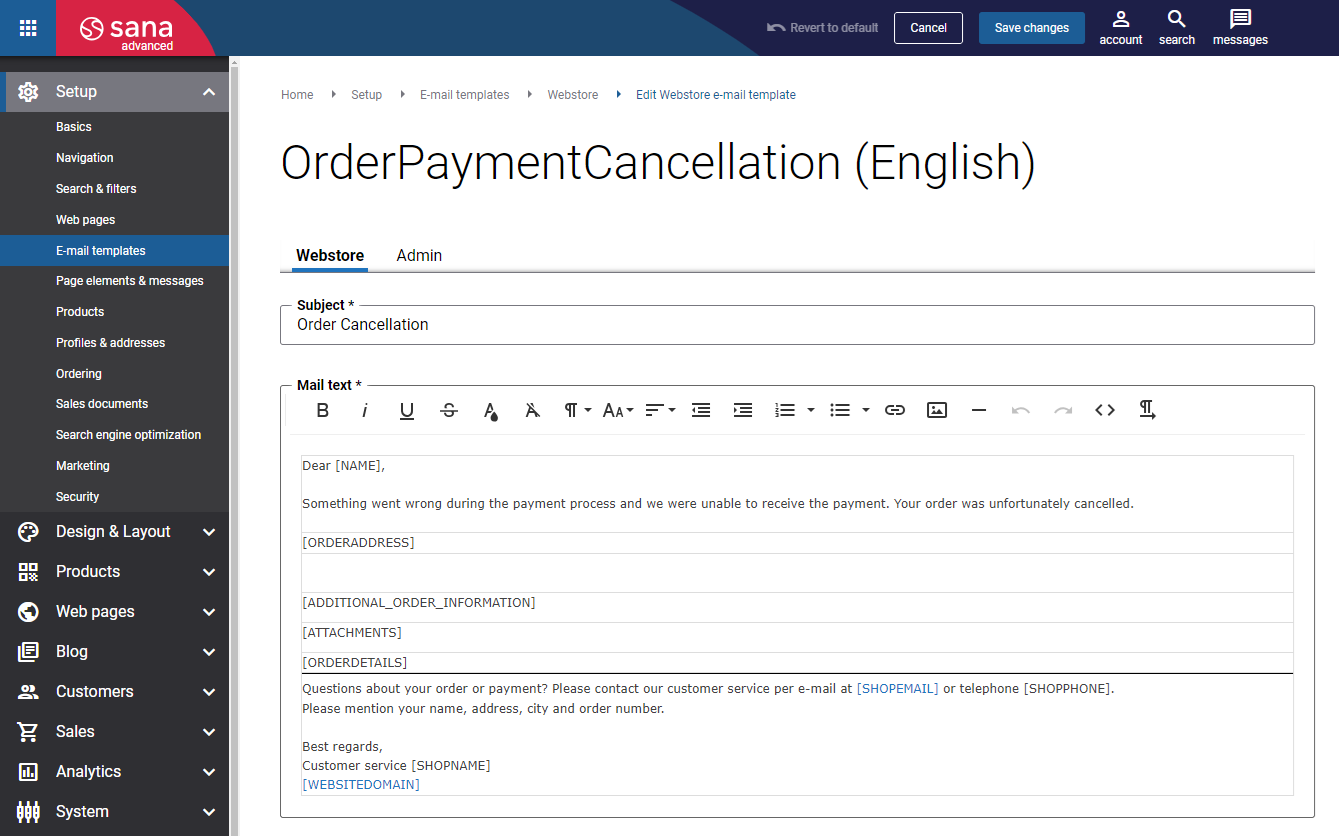
- When the order payment has been cancelled or failed for some reason, the Order cancellation e-mail is sent to customers.
ERP-Specific Information
The behavior described above is the same for all ERP systems supported by Sana Commerce Cloud. Some ERP systems provide additional options for handling cancelled sales orders.
SAP S/4HANA and SAP ECC: You can enable or disable the deletion of cancelled sales orders. When deletion is enabled, cancelled sales orders can be deleted either permanently or temporarily. For more information, see:
-
SAP S/4HANA: Delete Orders (Deletion)
-
SAP ECC: Delete Orders (Deletion)


