Credit Limit
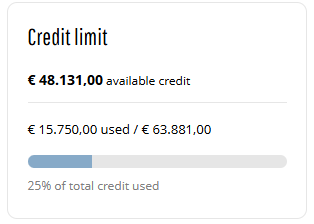
The Credit limit widget is used to show customers how much credit is available on their account and how much has already been used, helping them manage purchases and avoid order delays.
Adding the Widget
To add the Credit limit widget to any page of the Sana webstore, use the Customer credit limit content element in Sana Admin. You can add this widget to any page. However, we recommend placing it on the My Account page or on any other dedicated page.
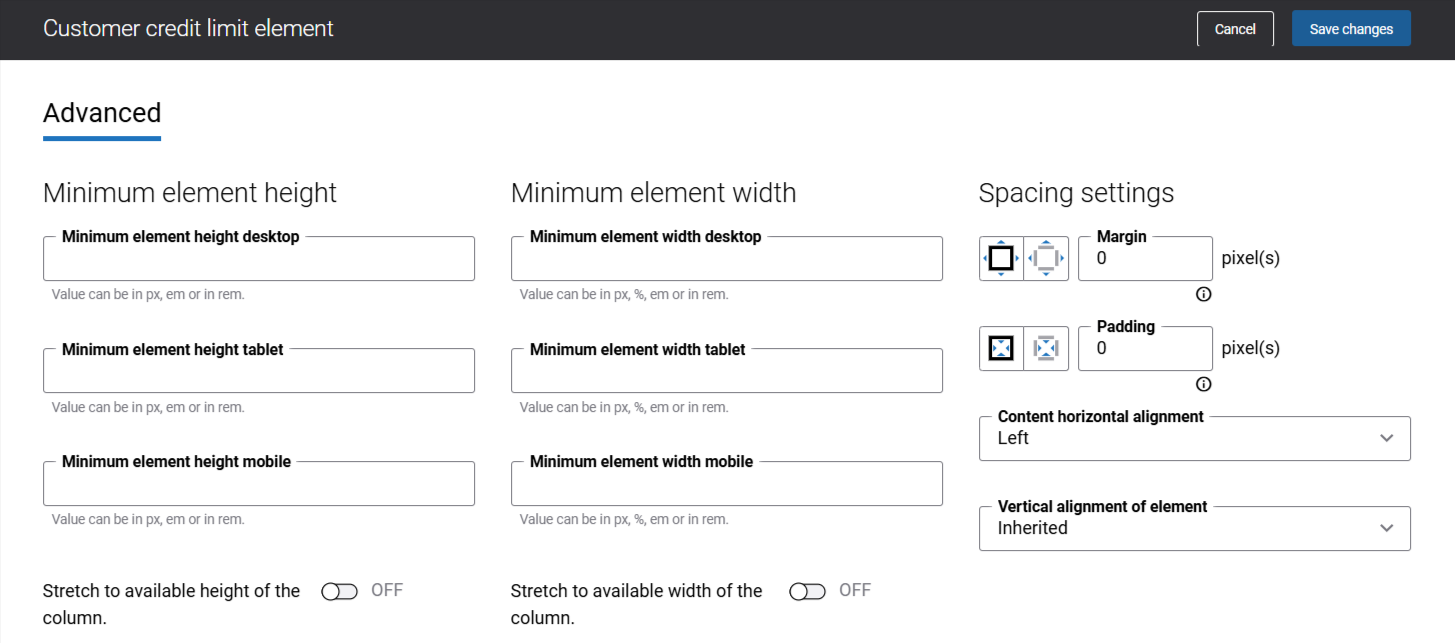
There are no specific content element settings. On the Advanced tab, you can configure height, width, and spacing settings. For more information about advanced settings, see Content Elements.
What Customers See
On the Credit limit widget, customers can see their available credit limit and balance, giving a clear view of how much credit is used and how much remains.
-
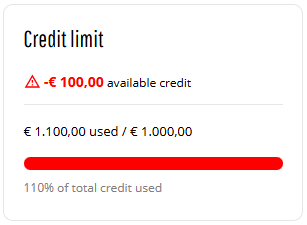
When customers use 90% or more of their credit limit, the progress bar turns red to indicate that they are close to reaching their limit.
-
Some ERP systems allow the credit limit to be exceeded. In this case, the widget may show values such as 110% used and a negative remaining balance, depending on the ERP support.
-
If the credit limit in the ERP system is set to 0, the widget displays the message informing customers that no credit limit is available for their account.
-
Sales agents can see credit limit information only for the represented customer.
If a sales agent does not represent any customer, the widget displays a message indicating that no account is represented. -
A last updated date showing when the credit limit data was most recently refreshed, helping customers understand how current the information is. For more information see Last Updated Date in Buyer Widgets.
Data Availability
Since all credit limit data comes directly from the ERP system, the Credit limit widget depends on a stable connection.
If the connection between Sana Commerce Cloud and the ERP system is temporarily unavailable and the webstore is in maintenance mode, customers will see no credit limit information.
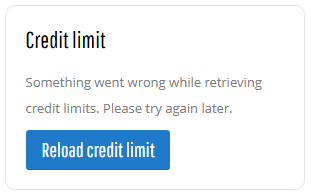
There is a Reload credit limit button so customers can try to refresh the data once the ERP connection is restored. This button does not always appear. If the issue is more serious than a temporary ERP connection loss, the button might not show up at all.
For more information, see Data Sources.
Related Articles
Sana: Credit Limit
Microsoft Dynamics NAV: Credit Limit
Microsoft Dynamics AX: Credit Limit
Microsoft Dynamics 365 Business Central: Credit Limit
Microsoft Dynamics 365 for Finance and Operations: Credit Limit
SAP Business One: Credit Limit
SAP ECC: Credit Limit
SAP S/4HANA: Credit Limit


