Google Pay
Google Pay allows your customers to pay securely using credit or debit cards stored in their Google account.
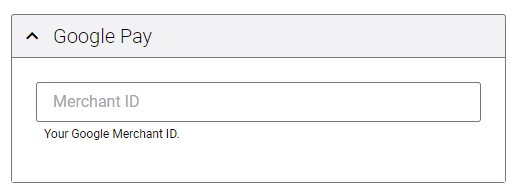
Google Merchant ID: This is mandatory to process payments through Google Pay. Obtain your Merchant ID from the Google Pay Business Console. If you are not using Google Pay, you do not need Google Pay settings.
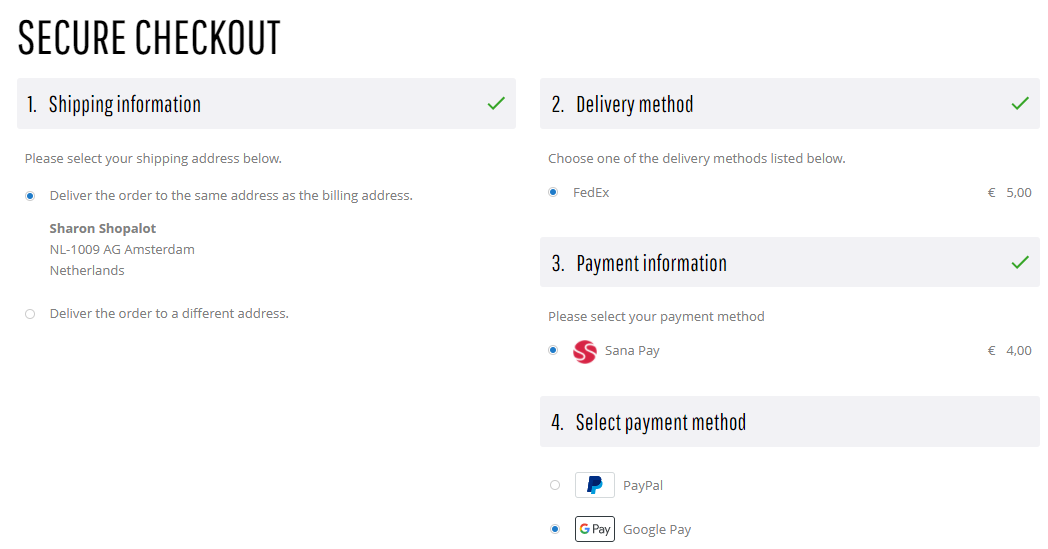
Customers can pay for their orders in the Sana webstore using the Google Pay payment method, only if:
- Customers are logged in to their Google account. If customers are not logged in, they will be asked to log in to the Google account to be able to pay for the order.
- Customers have at least one valid payment method on their Google Pay account.
Test the payment flow to see if everything works fine using the created payment methods.
Go Live with Google Pay
To accept live Google Pay payments you must:
- Obtain your Merchant ID from the Google Pay Business Console.
- Contact your Sana Commerce representative and submit a request to configure your Google Pay Merchant ID.
If you have any questions or need some help, contact your Sana Commerce representative.


