Scheduled Time
Starts the workflow automatically at a specific date and time you define. Use this trigger to run workflows on a recurring schedule, such as daily data exports or periodic notifications.
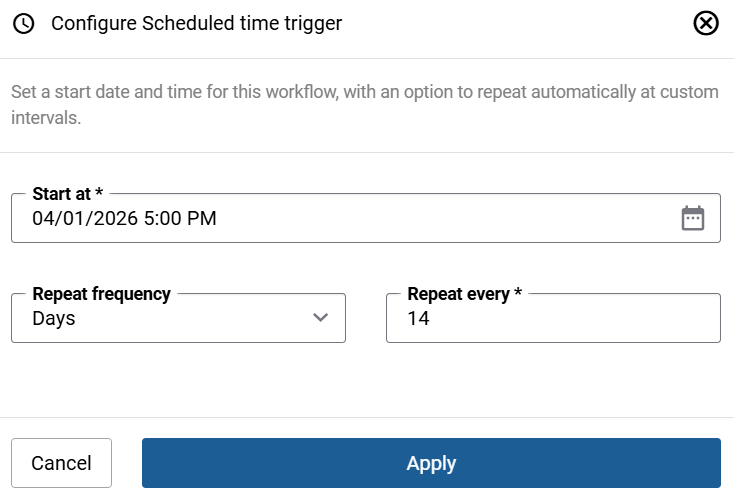
| Field | Description |
|---|---|
| Start at | The date and time when the workflow should first run. |
| Repeat frequency | How often the workflow repeats after the initial run:
If Repeat frequency is set to None, the workflow runs once at the specified date and time and does not repeat. |
| Repeat every | The interval value for the repeat frequency. For example, set Repeat frequency to Days and Repeat every to 7 to run the workflow every seven days. |


