Activating a Workflow
All newly created workflows are NOT active by default. An inactive workflow will not run automatically, even if a trigger schedule is configured. You must activate a workflow to enable automatic execution.
Activating a Workflow
Make sure that the workflow is correctly configured.
On the workflow details page, toggle the Active setting to ON for the workflow you want to activate.

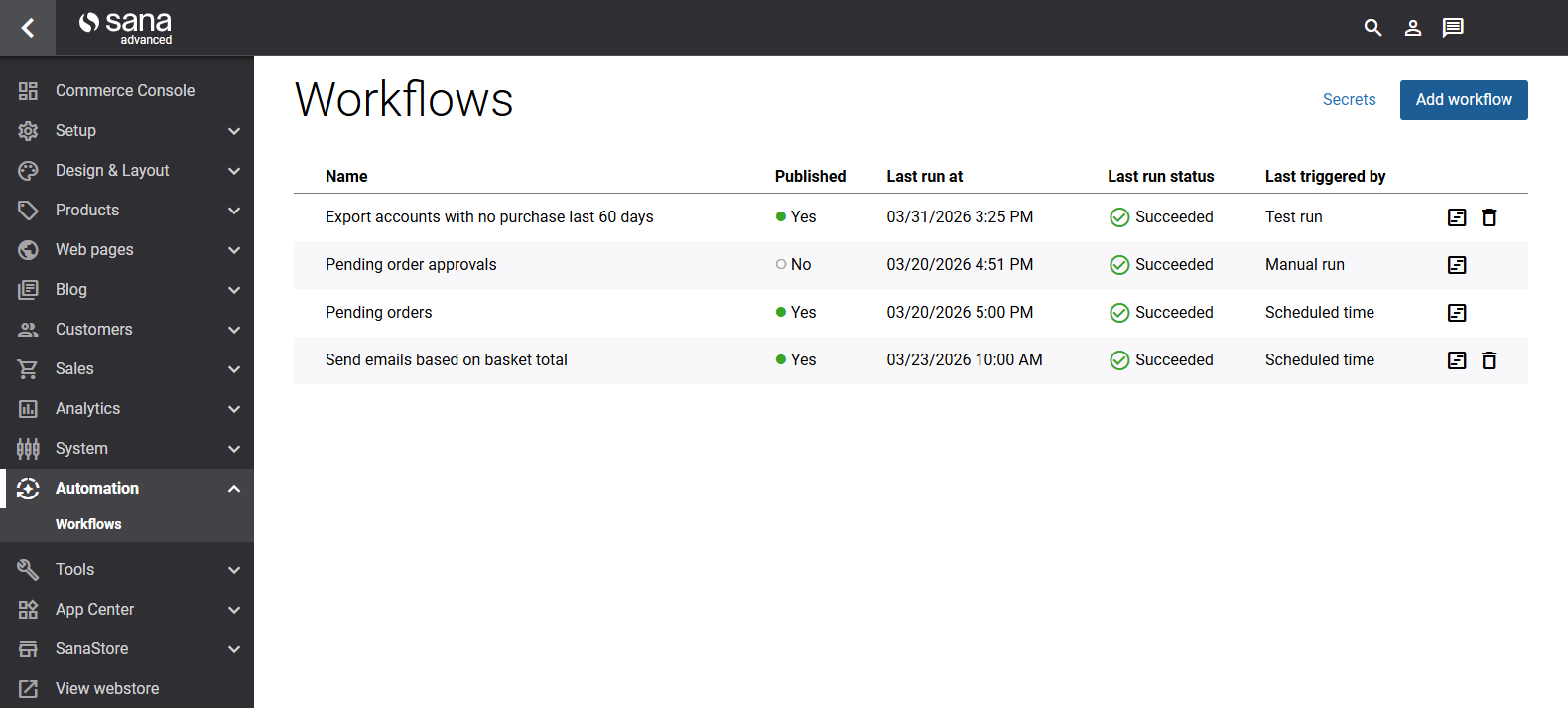
Once activated, the workflow will run automatically according to its trigger schedule. The Active column in the workflow list displays Active.
Pausing or Stopping a Workflow
To stop a workflow from running automatically, set Active to OFF. This does not delete the workflow or its configuration - it simply prevents automatic execution. You can re-activate it at any time.
Running a Workflow Manually
Regardless of its active status, you can run any workflow at any time using the Run now button on the workflow details page. This is useful for testing, debugging, or running a workflow on demand outside of its normal schedule.


