Shopping Cart and Checkout Loading Indicator and Messages
When shopping online, a seamless and transparent experience is essential. To keep buyers informed during longer loading or processing times, Sana displays a loading indicator and contextual messages throughout the shopping cart and checkout.
Why Loading Times May Vary
The time it takes to load the shopping cart or complete certain actions during checkout can vary depending on a number of factors:
- The number of products in the shopping cart.
- The complexity of pricing in the ERP system, such as customer-specific prices, discounts, service charges, taxes, sales agreements, etc.
- Additional custom logic or calculations triggered in the ERP system during price calculation or order creation.
- The speed and stability of the connection between Sana and the ERP system.
Because price calculations and order creation are processed through the ERP system, its logic, configuration, and responsiveness can have a significant impact on overall loading times.
Loading Indicator and Messages
To ensure buyers are always aware of what is happening in the background, Sana displays a loading indicator along with a relevant message depending on the current action. These messages appear in the shopping cart and at various steps throughout the checkout process, covering actions such as cart recalculation, shipping address changes, changing the shipping and payment method, placing an order, and payment processing. Some of the most common messages include:
- Loading your shopping cart details
- Recalculating your cart
- Saving shipping information
- Saving delivery method
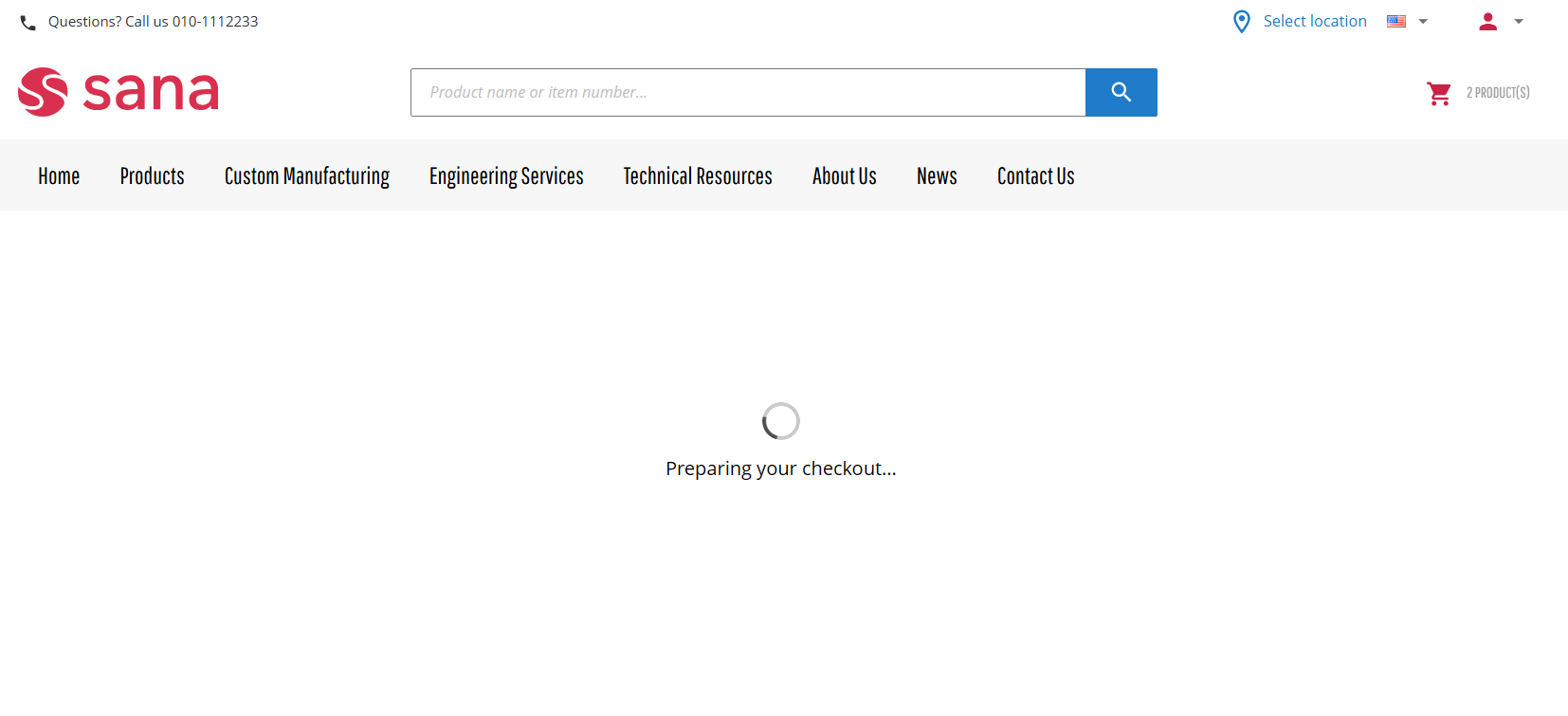
- Preparing your checkout
- Saving payment information
- Placing your order now
Editing Loading Messages
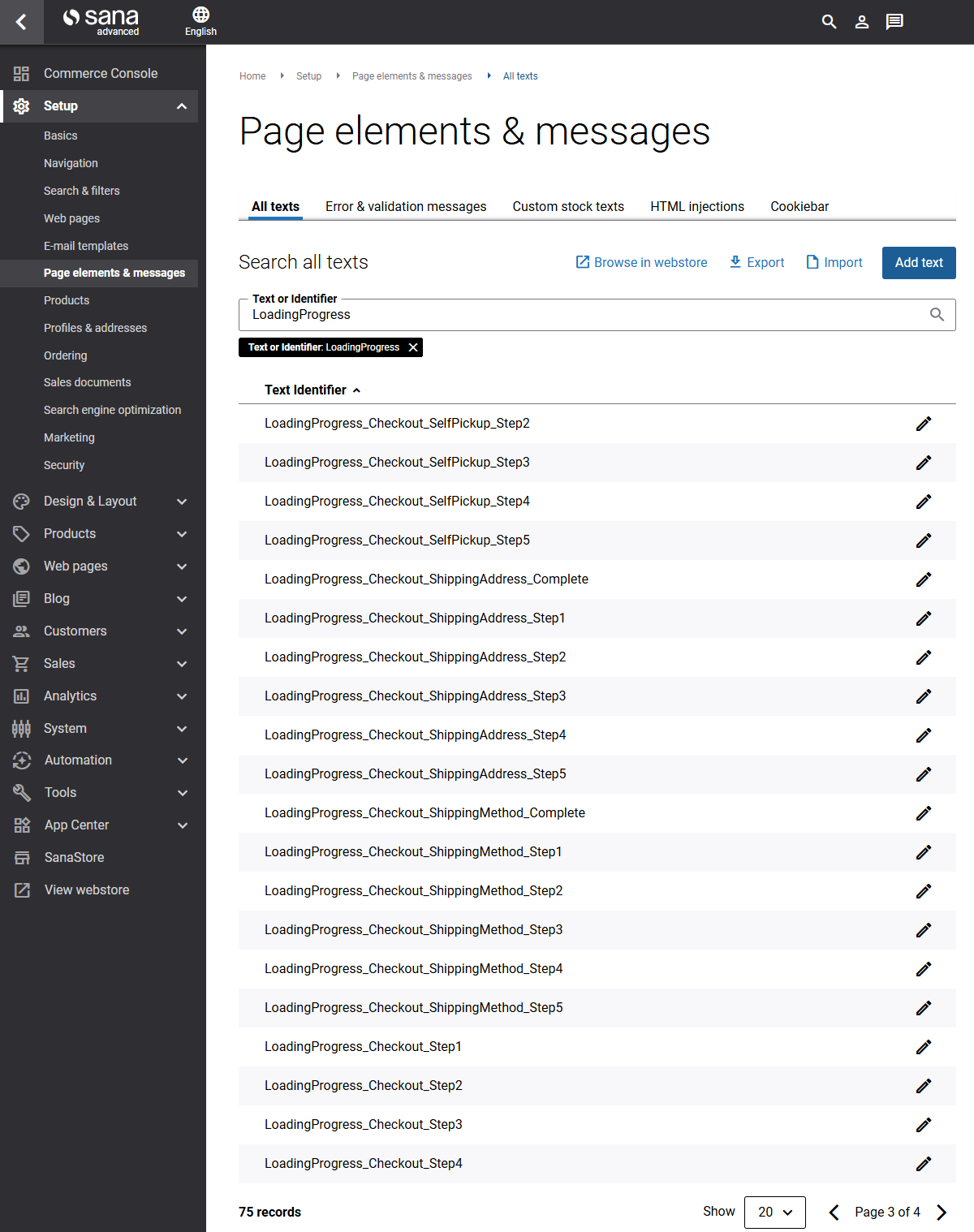
All loading messages can be customized in Sana Admin if the default wording does not fit your needs. To find and edit them, go to Setup > Page elements & messages > All texts. Each message has a unique ID with the prefix LoadingProgress, and the ID also indicates where the message is used, for example, in the shopping cart, or at a specific checkout step such as shipping or payment.