Automate Tasks and Unburden Your Team
This success track focuses on reducing manual work and increasing team efficiency by automating customer and order management tasks.
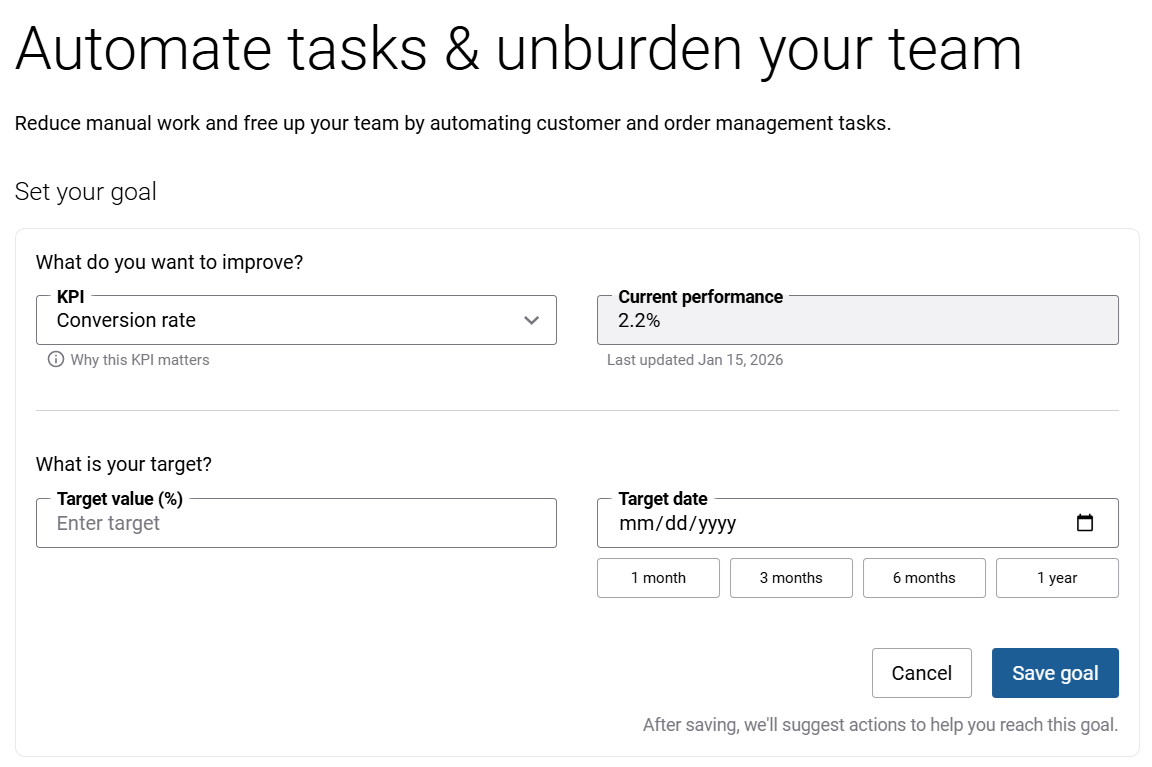
Available Metrics (KPIs)
-
Conversion rate: The percentage of customers who placed an online order after logging into their account during a rolling 3-month period. A higher value indicates more effective conversion to orders. This helps you understand how effectively your webstore turns visitors into buyers.
-
New webstore customers: Number of customers that registered and placed their first online order during a rolling 6-month period. A higher value indicates a faster-growing online customer base.
-
Online revenue from new customers: Total value of online orders from customers that registered and placed their first online order during a rolling 6-month period. A higher value indicates stronger revenue contribution from newly acquired online customers.
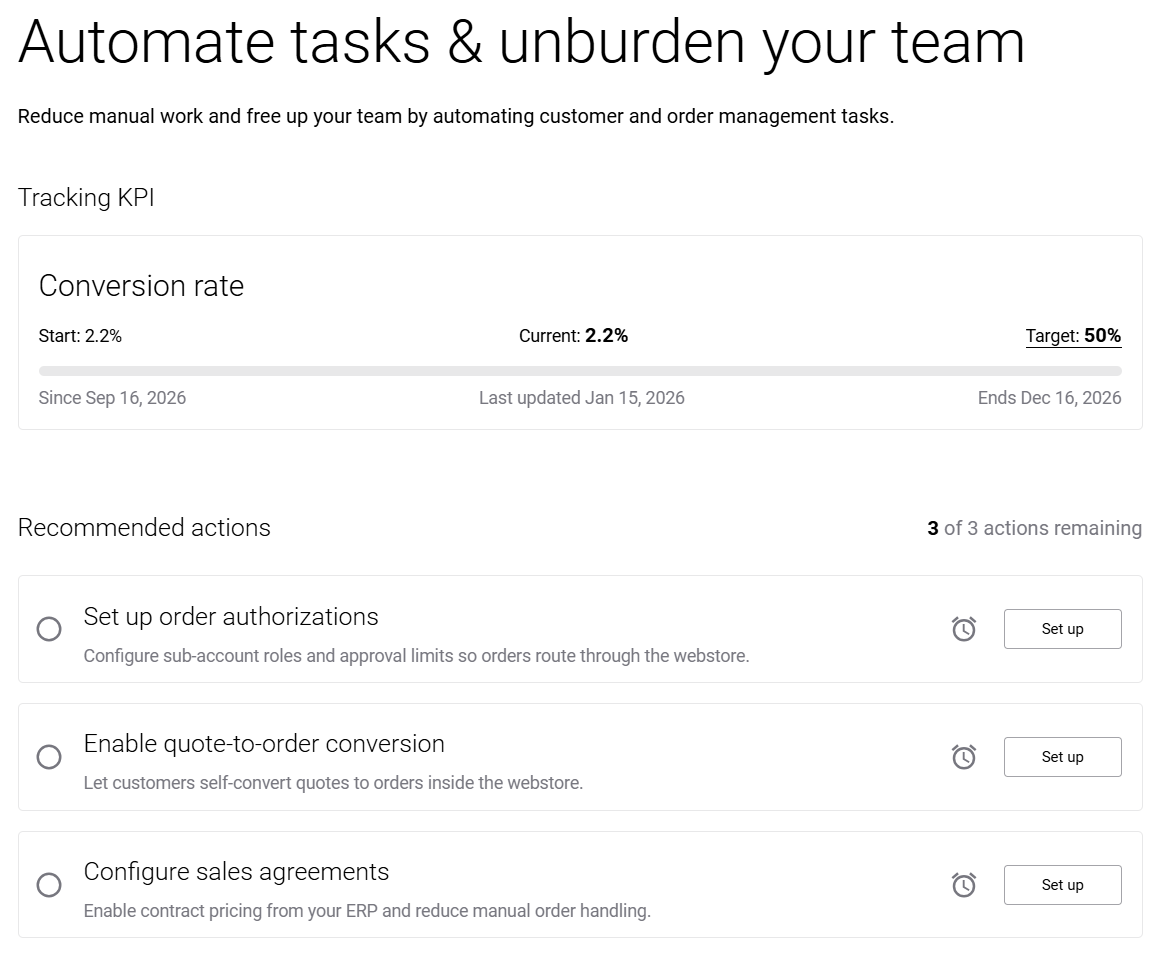
Recommended Actions
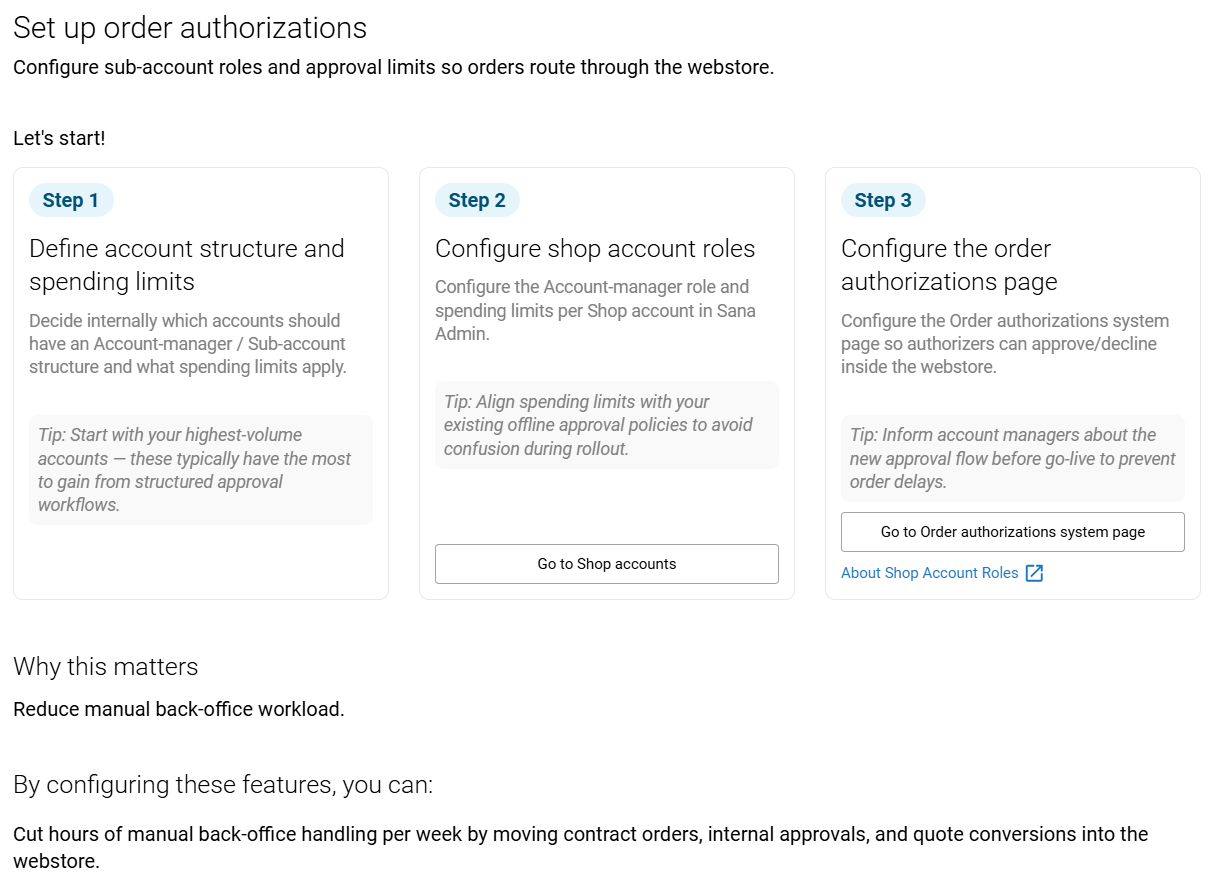
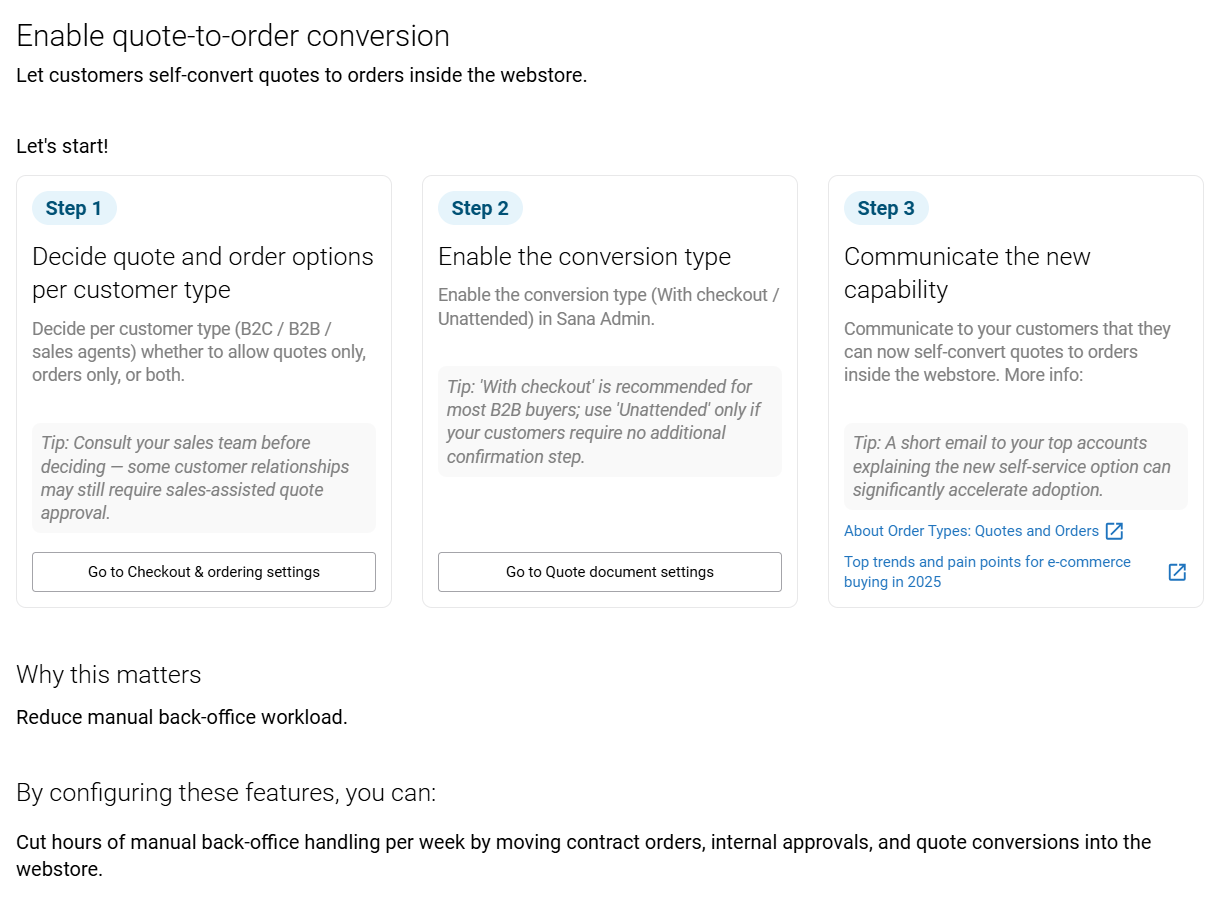
Use the Set up button for any recommended action to open a pop-up with step-by-step guidance and direct links to the relevant Sana Admin settings.
-
Set up order authorizations: Configure sub-account roles and approval limits so orders route through the webstore.
-
Enable quote-to-order conversion: Let customers self-convert quotes to orders inside the webstore.
-
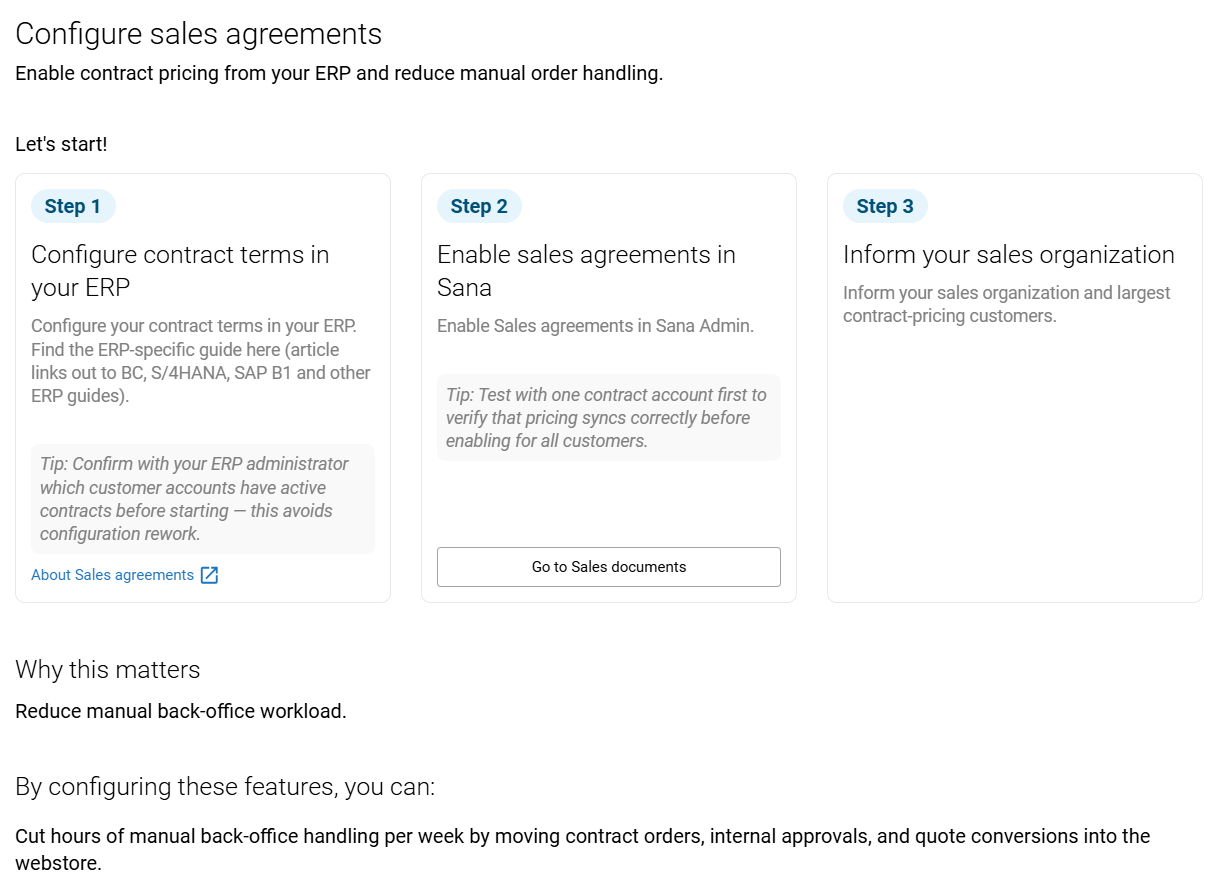
Configure sales agreements: Enable contract pricing from your ERP and reduce manual order handling.