Translate Product List Pages
Sana Commerce Cloud is a multi-lingual e-commerce solution. By default, a Sana webstore is available in English, but we also deliver the language packs which can be installed with a single button click from the Sana App Center.
The Sana language packs contain the default webstore interface texts, error and validation messages and system e-mails in the language of your choice. The language packs also allow you to translate your webstore content to different languages.
There are two options to start translating the content of the Product list pages.
-
If you open the list of the product list pages in Sana Admin and there are some language packs installed, you will see all available languages in the header. You can select the necessary language to translate any product list page.
Then you can find the necessary product list page and click on the Translate button.
-
Find the product list page that you want to translate and click Edit
 . In the right-hand panel, go to the Page setup tab and select the desired language from the list. Then, click Page settings in the toolbar.
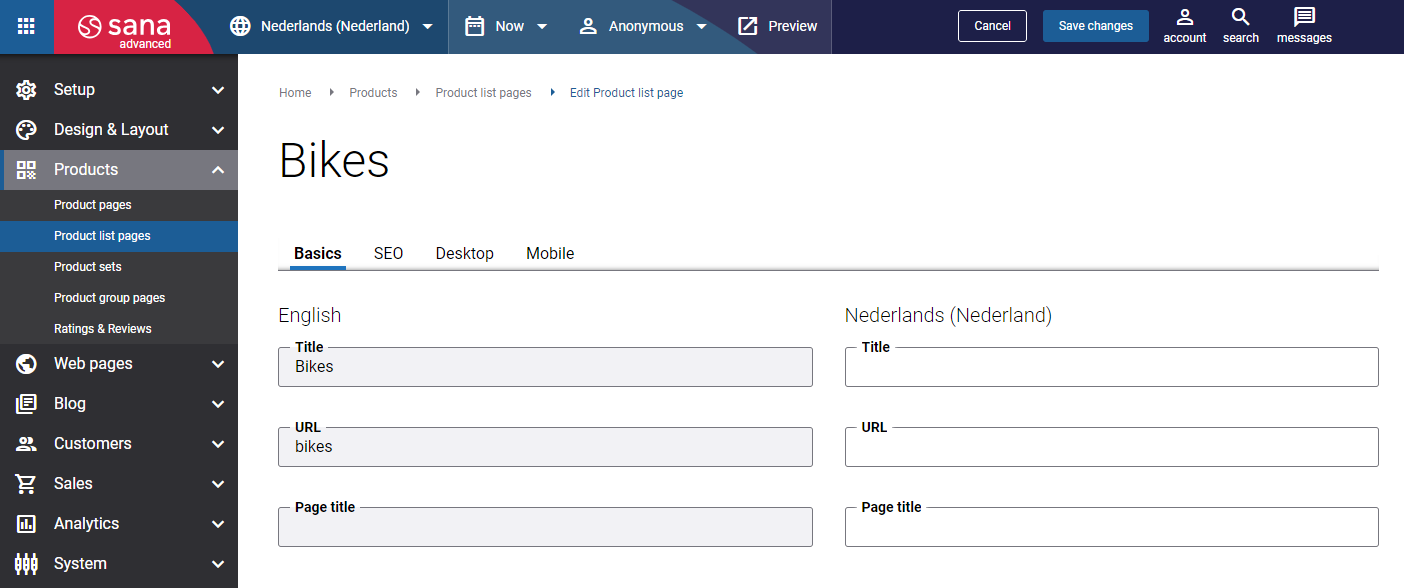
When you translate the product list page, it is presented in two columns. The first column holds the product list page content in the default language and it is not editable, while in the second column, you can provide translation to the product list page title, URL, page title, meta title and meta description.
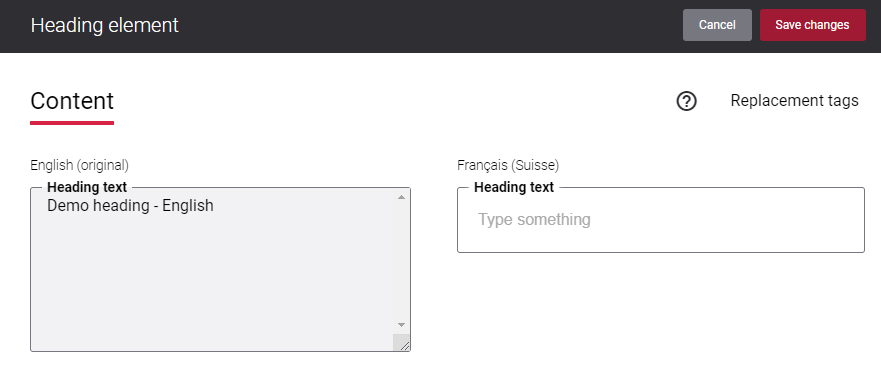
If you add content elements to a product list page, you can translate them into other languages. Switch from the default language to the one you want to work with, then select the content element in the visual designer. The editable fields for that element will appear in the right-hand panel, where you can provide the text for the selected language. Not all content elements can be translated.