Create Google Analytics 4 Account and Property
Google Analytics 4 lets you collect and analyze data about visitors and their interactions with your Sana webstore. Follow the steps below to create a Google Analytics 4 account and property, configure the required settings, and find the measurement ID you’ll need for further setup.
Open Google Analytics and create an account with a property for the Web platform.
If you already have a Google Analytics account, you can create a new property for the Sana webstore with the Web platform.
You will need the measurement ID later, so you can copy it. You can find it under: Data collection and modification > Data streams.
Make sure that the Enhanced measurement is enabled.
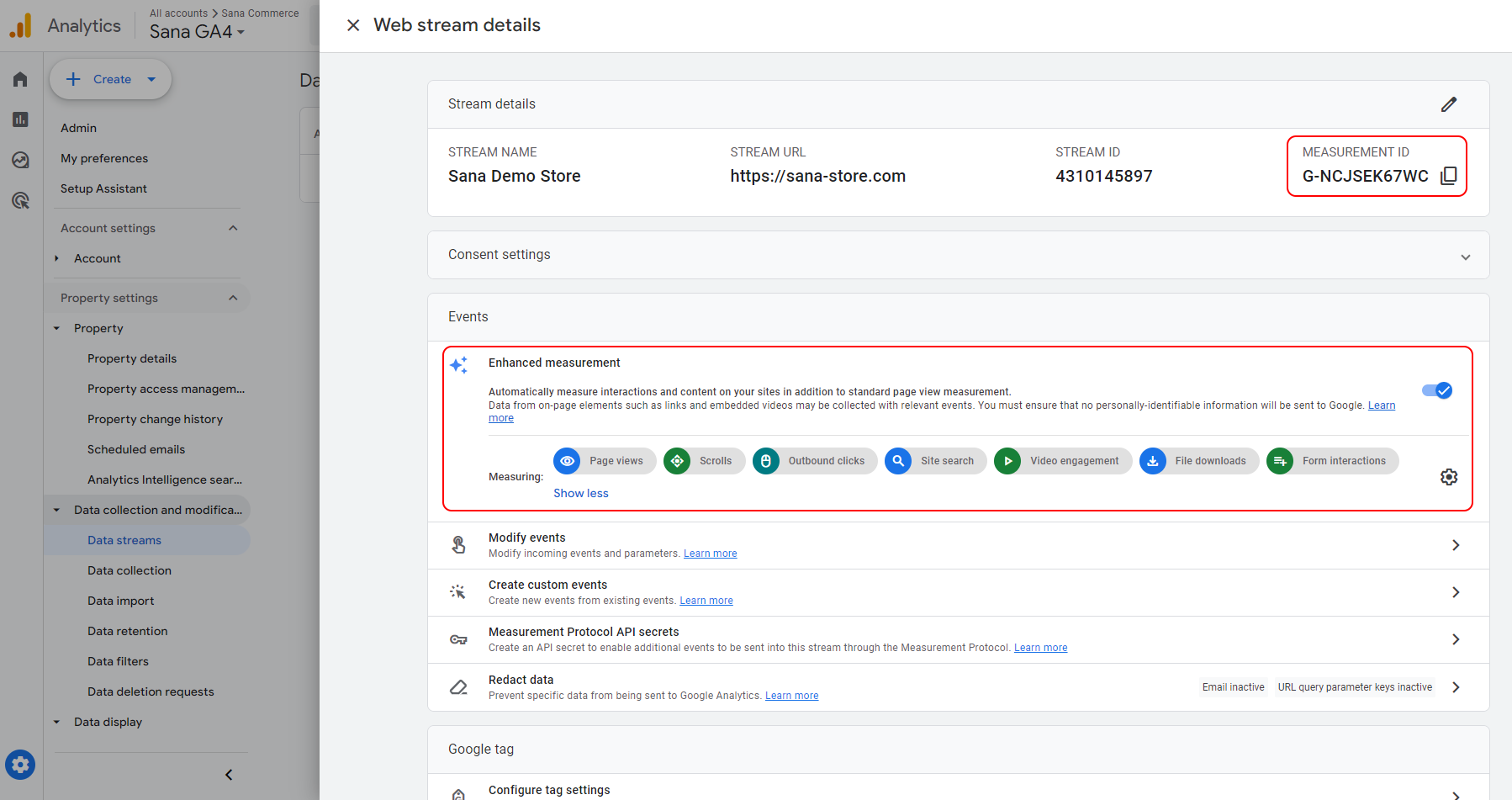
For more information on how to create a Google Analytics account and a property, see [GA4] Set up Analytics for a website and/or app, [GA4] Measurement ID, and [GA4] Enhanced measurement events.


