Configure Webhooks for Worldline
You need to configure webhooks in the Worldline Merchant Portal.
Webhooks are used to inform Sana Commerce Cloud about payment status updates. They also notify merchants about other events and ensure that all payment stages have been processed.
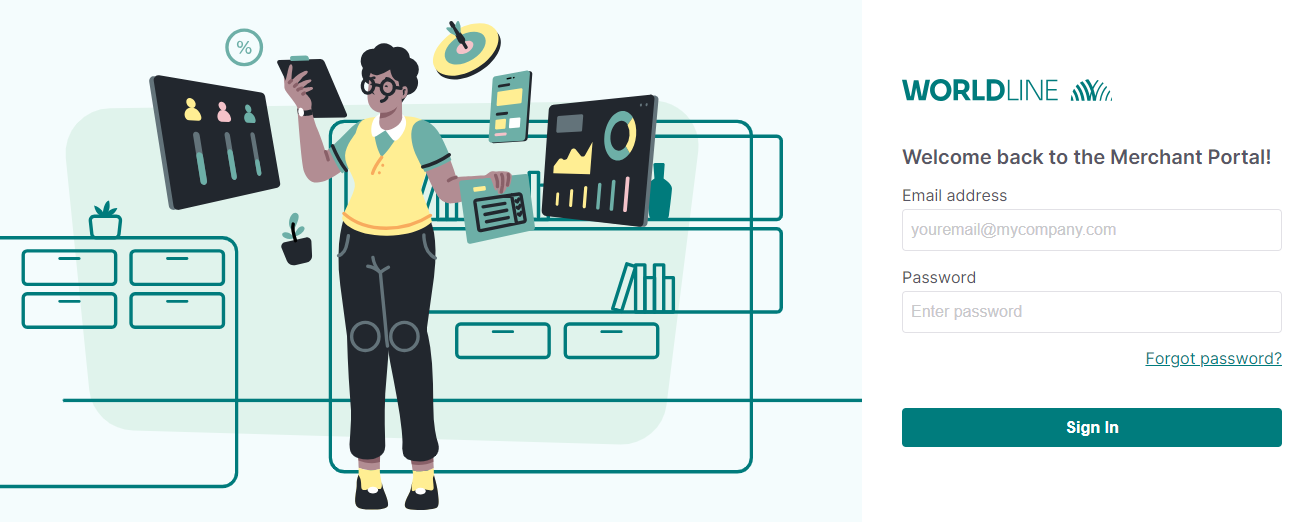
Step 1: Log in to the Worldline Merchant Portal.
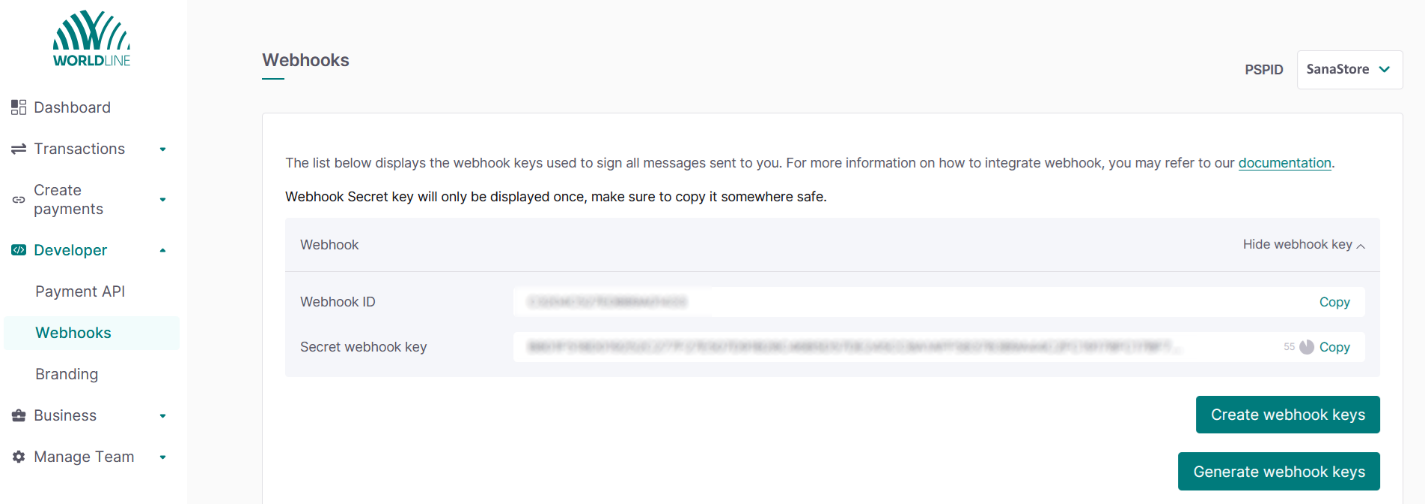
Step 2: In the Worldline Merchant Portal click: Developer > Webhooks. Generate the Webhook Keys. Copy the Webhook ID and Secret webhook key and insert them on the Worldline configuration page in Sana Admin.
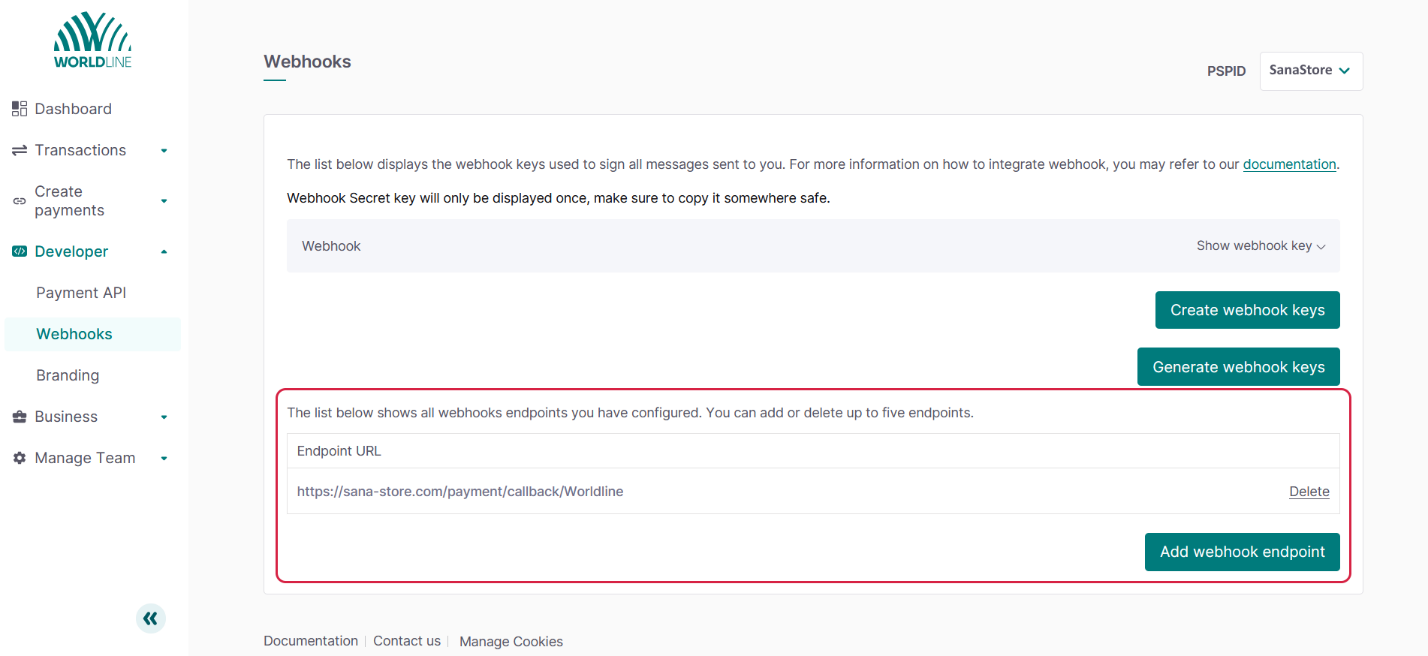
Step 3: Add webhook endpoint.
The webhook URL should be in the following format: {website callback url}/{Worldline}.
Example: https://sana-store.com/payment/callback/Worldline.
For more information, refer to the official Worldline documentation.


