Create API Keys
Before installing and configuring the Cybersource payment app in Sana App Center, you must first set up the necessary settings and generate API keys in the Cybersource Business Center.
To configure the Cybersource payment provider and payment methods, you must have an active Cybersource account with all the necessary API keys.
Step 1: Log in to the Cybersource Business Center.
Depending on the environment you are configuring, log in to the appropriate Cybersource Business Center portal:
-
Test environment: Cybersource Test Business Center
-
Live environment: Cybersource Live Business Center
Step 2: Generate REST API keys.
Sana Commerce Cloud uses Cybersource REST APIs to communicate securely with Cybersource.
-
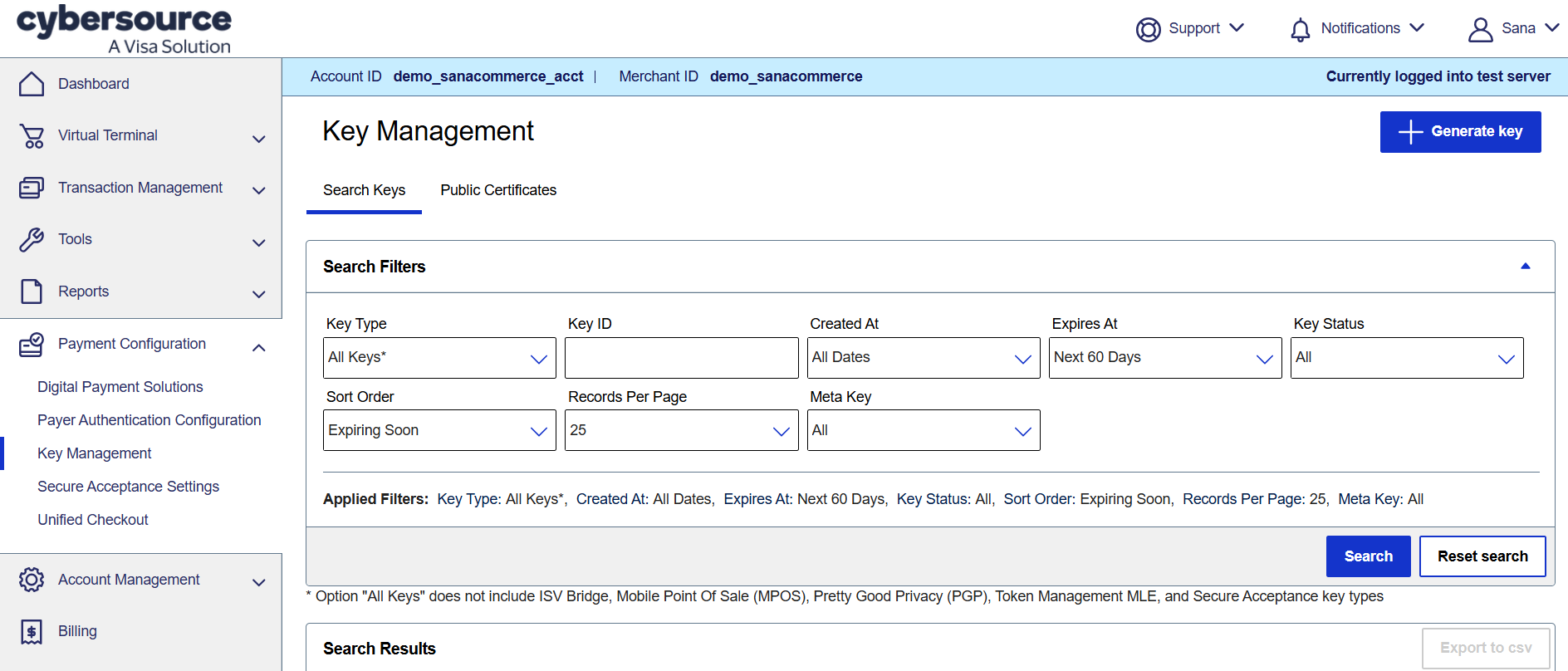
In the Cybersource Business Center, click: Payment Configuration > Key Management.
-
Click + Generate key.
-
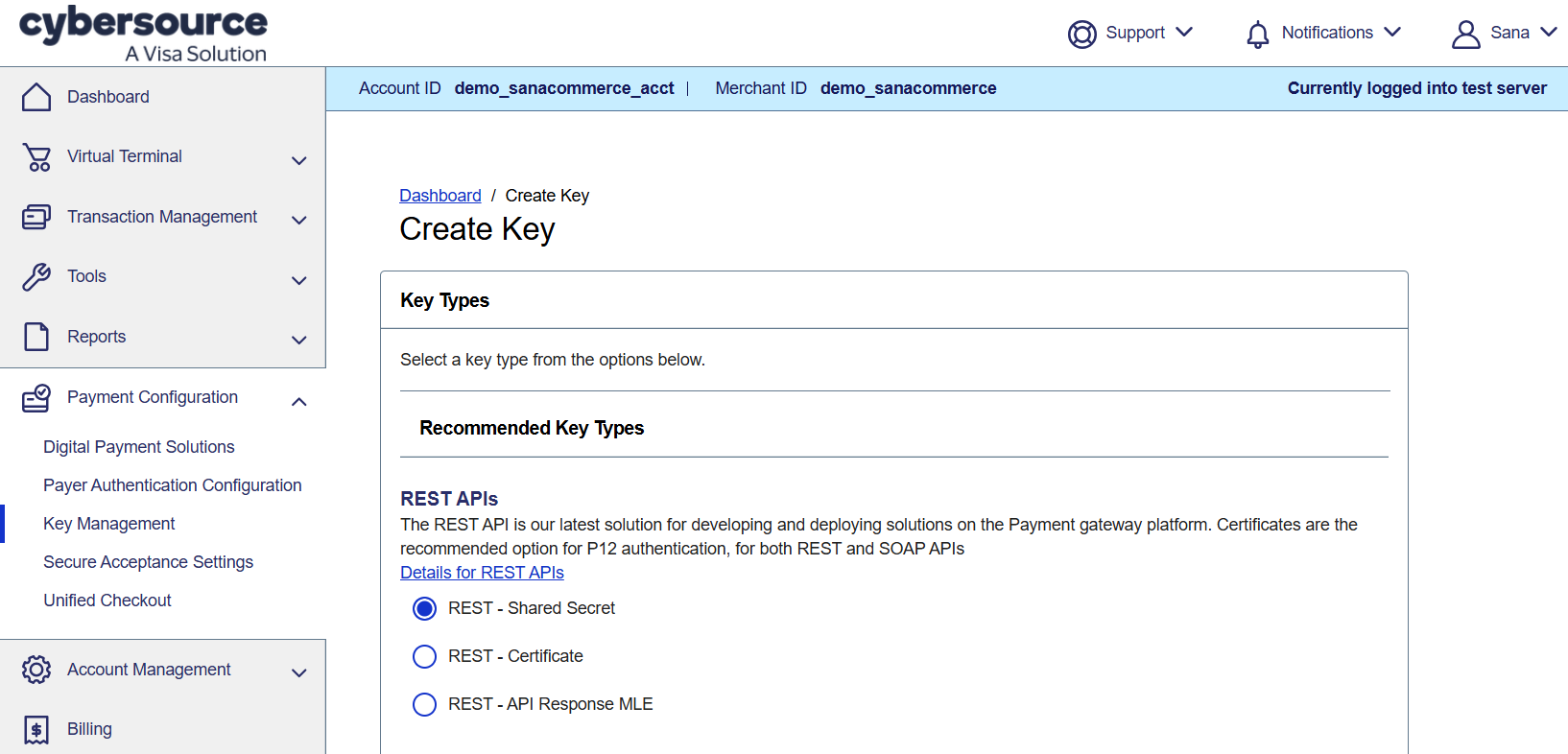
Select REST - Shared Secret key type and click Generate key.
-
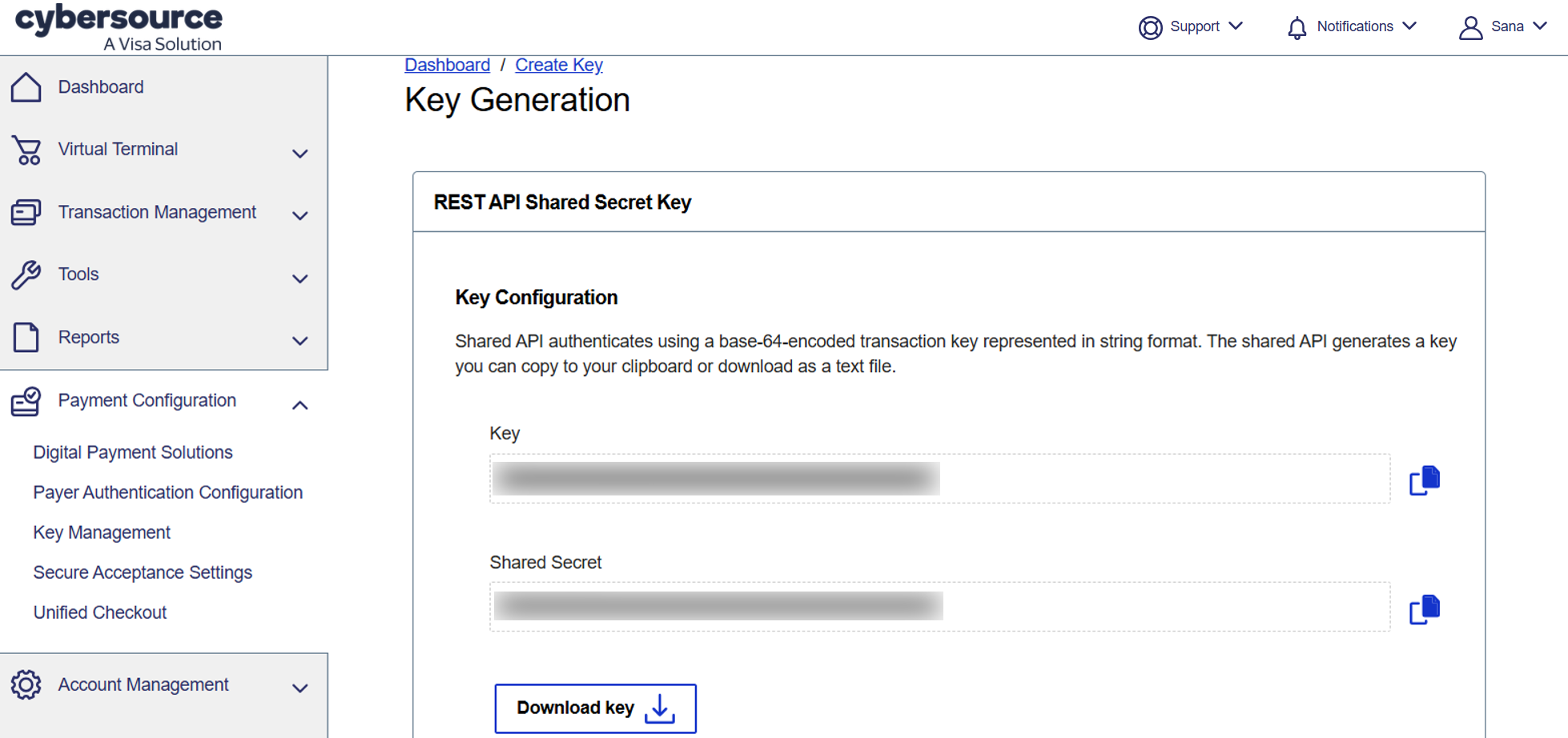
Store your generated keys securely:
-
Key
-
Shared Secret